What you need
A supported desktop system, unlocked vault, SSH profile and server with an available SFTP subsystem.
Procedure
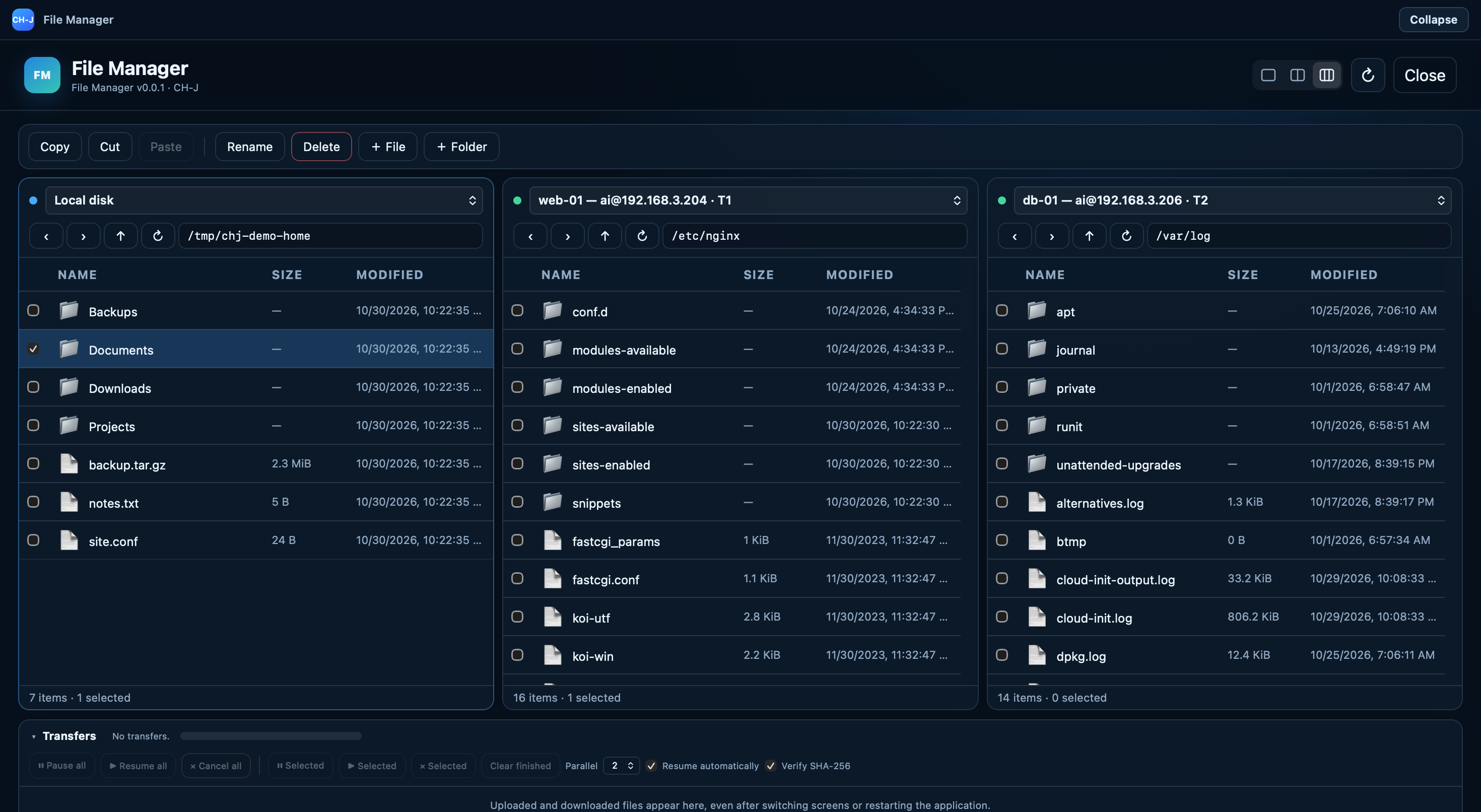
- First verify the SSH profile and host key using the SSH guide. Open File Manager and choose the corresponding server.
- Browse to the destination directory. Check the full path and SSH user permissions before transferring a file.
- Open a text file in the integrated editor. Review changes and any conflict warning about a newer remote version before saving.
- Check the result on the server after saving. Prepare a recoverable backup before overwriting or deleting important data.
Limitations and checking results
Conflict detection is not version control or an automatic server backup. Resolve concurrent changes before deciding which version to keep.
The editor handles text files up to 25 MiB. Transfers are limited to 16 GiB, selections to 100 entries and batch traversal to 10,000 entries. SSH account permissions also apply.
Alpha and Beta development builds are available. Before using them on important systems, review the limitations of individual features and prepare backups.